
What’s a Good Motherboard for Gaming? A Complete Buying Guide
When building a gaming PC, many people focus on choosing the fastest CPU or the most powerful graphics card. However, the motherboard is just as important because it connects all of your components and determines what hardware your system can support.
A good gaming motherboard provides stable performance, upgrade flexibility, fast connectivity, and reliable power delivery. While it won’t directly increase your frame rates (FPS), it plays a crucial role in ensuring your CPU, GPU, RAM, and storage perform at their best.
This guide explains what makes a motherboard good for gaming and how to choose the right one for your build.
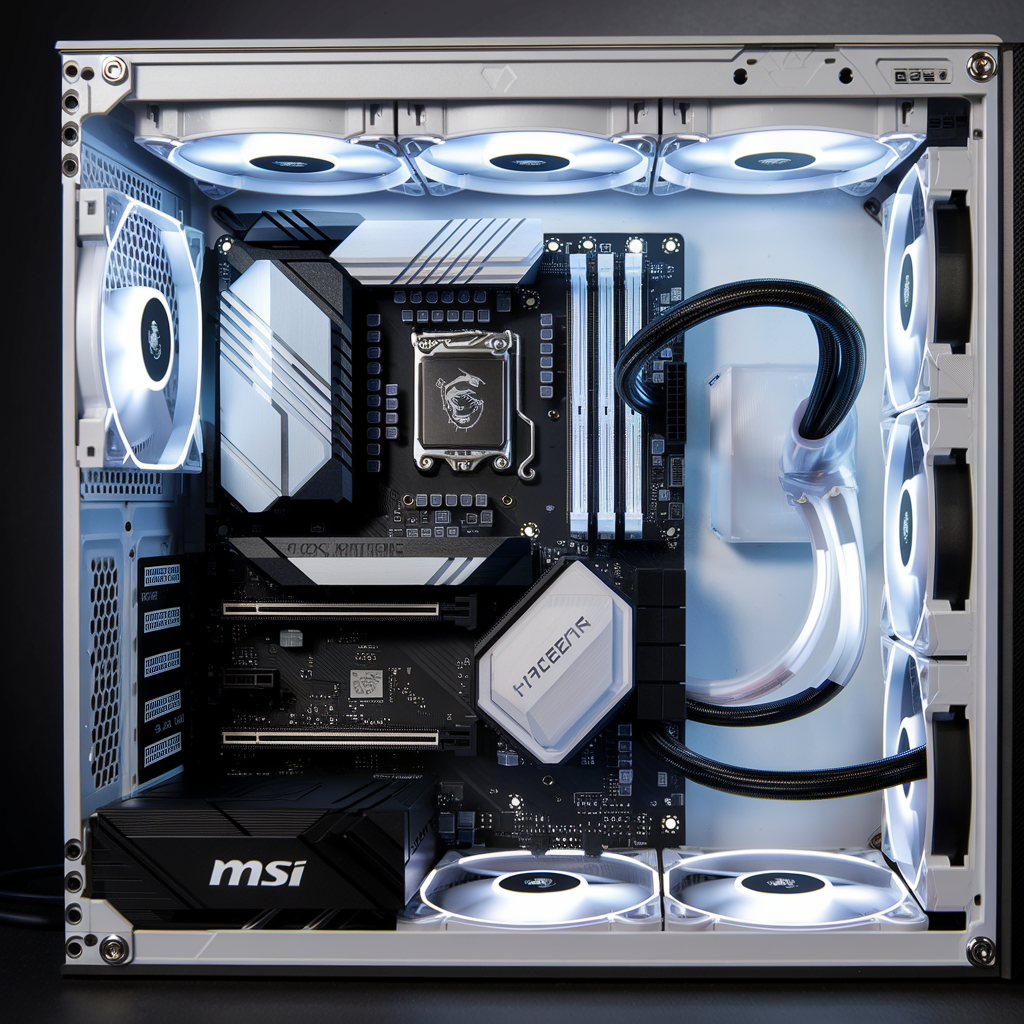
Does a Motherboard Affect Gaming Performance?
A motherboard does not directly boost FPS like a faster GPU or CPU.
Instead, it affects gaming by supporting:
Choosing a quality motherboard helps ensure your entire system operates reliably and efficiently.
Choose the Right CPU Socket
The first step is selecting a motherboard that matches your processor.
For AMD processors, modern gaming systems commonly use the AM5 socket.
For Intel processors, the required socket depends on the processor generation, so always verify compatibility before purchasing.
Your motherboard and CPU must use the same socket to work together.
Select the Right Chipset
The chipset determines the motherboard’s features.
Entry-Level Chipsets
Suitable for:
They typically offer:
Mid-Range Chipsets
Ideal for most gamers.
They usually include:
High-End Chipsets
Best for enthusiasts and professional users.
They often provide:
VRM Quality Matters
The Voltage Regulator Module (VRM) supplies stable power to your CPU.
A strong VRM helps by:
If you’re using a high-performance gaming CPU, prioritize a motherboard with a well-designed VRM.
Memory (RAM) Support
Modern gaming motherboards should support:
Most gamers today find 16 GB sufficient, while 32 GB offers more headroom for multitasking, streaming, and newer games.
PCI Express Support
Your graphics card connects through a PCI Express (PCIe) slot.
Look for motherboards that offer:
This helps maximize compatibility with current and future graphics cards.
Storage Options
Fast storage improves:
A good gaming motherboard should include:
Built-In Wi-Fi and Bluetooth
Many modern gaming motherboards include wireless connectivity.
Benefits include:
If you always use a wired Ethernet connection, built-in Wi-Fi may be less important.
USB Connectivity
Gamers often connect multiple devices simultaneously.
Look for enough USB ports for:
Having a mix of USB-A and USB-C ports can improve compatibility with newer devices.
Audio Quality
Integrated motherboard audio has improved significantly.
Quality gaming motherboards often feature:
This provides clearer sound for gaming, music, and voice chat without requiring a separate sound card.
Cooling Features
Gaming systems generate heat during long sessions.
Useful motherboard cooling features include:
Good cooling helps maintain stable performance and component longevity.
Expansion and Future Upgrades
A motherboard should allow your system to grow over time.
Consider:
Choosing a motherboard with room for upgrades can extend the life of your PC.
Form Factors
Motherboards come in several sizes.
ATX
Most expansion options
Excellent cooling potential
Popular for gaming builds
Micro-ATX
More compact
Lower cost
Fewer expansion slots
Great for budget gaming PCs
Mini-ITX
Small form factor
Ideal for compact builds
Limited expansion capability
Choose the size that matches your PC case and future upgrade plans.
Features Worth Paying For
Depending on your needs, these features can add value:
Not every feature is essential, so prioritize those that match your budget and intended use.
Common Mistakes to Avoid
Many first-time builders make these mistakes:
A balanced build usually provides better value than overspending on one component.
Frequently Asked Questions
Conclusion
A good gaming motherboard provides the foundation for a fast, stable, and upgradeable PC. While it won’t directly improve frame rates, it determines which processors, graphics cards, memory, and storage devices your system can support.
When choosing a motherboard, focus on compatibility, VRM quality, memory support, storage options, expansion capabilities, and connectivity. Rather than buying the most expensive model, select one that matches your CPU, budget, and future upgrade plans. A well-balanced motherboard will help your gaming PC perform reliably for years to come.