Are Bottleneck Calculators Accurate? Everything You Need to Know
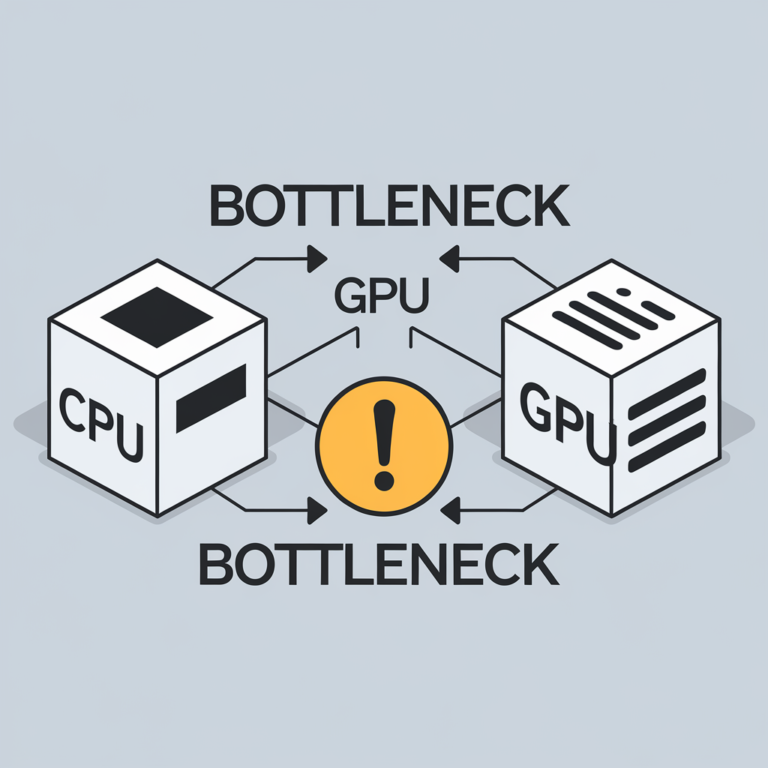
Bottleneck calculators have become popular tools for PC builders, gamers, and hardware enthusiasts looking to determine whether their CPU and GPU are well matched. With just a few clicks, these calculators estimate whether one component might limit the performance of another.
But an important question remains: Are bottleneck calculators actually accurate?
The short answer is they are useful for estimates, but they are not perfectly accurate. They can provide a general idea of hardware compatibility, but they cannot predict your PC’s exact real-world performance.
In this article, we’ll explain how bottleneck calculators work, their limitations, and how to use them effectively when planning your next PC build.
What Is a Bottleneck Calculator?
A bottleneck calculator is an online tool that estimates whether your processor (CPU) or graphics card (GPU) may limit overall system performance.
Most calculators ask for information such as:
Using this information, the calculator predicts whether your PC components are reasonably balanced.
How Do Bottleneck Calculators Work?
Most bottleneck calculators rely on databases containing hardware specifications and performance benchmarks.
These tools typically compare:
Based on these comparisons, they generate an estimated bottleneck percentage or compatibility score.
Why Bottleneck Calculators Are Helpful
Although they are not perfect, bottleneck calculators offer several benefits.
Quick Hardware Comparison
Instead of researching dozens of benchmark videos, users can instantly compare CPU and GPU combinations.
Beginner Friendly
People building their first PC can quickly determine whether they are pairing components appropriately.
Upgrade Planning
Users can identify which component is more likely to limit performance before spending money on upgrades.
Budget Optimization
A balanced PC often provides better value than buying the most expensive hardware available.
Why Bottleneck Calculators Are Not 100% Accurate
Many people assume the displayed bottleneck percentage represents real-world performance. Unfortunately, it doesn’t.
Several important factors cannot be fully predicted.
Every Game Uses Hardware Differently
Some games rely heavily on the CPU.
Examples include:
Others depend primarily on the GPU.
Examples include:
A calculator cannot accurately represent every game.
Resolution Changes Everything
Performance changes significantly depending on your display resolution.
For example:
1080p
The CPU has more influence because it must prepare frames faster.
1440p
The workload becomes more balanced.
4K
The graphics card handles most of the workload, making GPU limitations more common.
The same hardware combination may show different bottleneck behavior at each resolution.
Graphics Settings Matter
Ultra graphics settings place far more demand on the GPU than Low settings.
Changing options like:
can completely shift where the bottleneck occurs.
Background Programs Affect Performance
Real-world systems rarely run games alone.
Applications like:
consume CPU and RAM resources that bottleneck calculators generally do not account for.
RAM Configuration Makes a Difference
The calculator may only consider RAM capacity.
However, actual performance also depends on:
These factors can noticeably impact CPU performance.
Driver Updates Improve Performance
Graphics drivers and chipset updates often improve game optimization.
A calculator cannot predict future software improvements.
Understanding Bottleneck Percentages
Many calculators display a percentage.
For example:
These numbers should be treated as rough estimates rather than exact measurements.
Generally:
The exact meaning of these percentages varies between calculators because there is no universal standard.
The Best Way to Measure a Bottleneck
If you already own the hardware, real-world testing is more reliable than any calculator.
Use hardware monitoring software while gaming and observe:
For example:
Common Myths About Bottleneck Calculators
Myth 1: The Percentage Is Always Correct
False.
The percentage is only an estimate based on available data and assumptions.
Myth 2: A Small Bottleneck Is Bad
False.
Every computer has some type of bottleneck because one component will always reach its limit before another.
Myth 3: Expensive Hardware Eliminates Bottlenecks
False.
Even flagship CPUs and GPUs can bottleneck each other in certain games, resolutions, or workloads.
Myth 4: Bottlenecks Only Affect Gaming
False.
Video editing, 3D rendering, software development, virtualization, and scientific computing can all experience bottlenecks.
How to Use a Bottleneck Calculator Correctly
For the most useful results:
When Should You Trust a Bottleneck Calculator?
A bottleneck calculator is most useful when:
For precise performance expectations in specific games or professional applications, rely on real-world benchmarks and testing.
Frequently Asked Questions
Conclusion
Bottleneck calculators are valuable planning tools, but they are not perfectly accurate. They estimate potential CPU and GPU imbalances using hardware specifications and benchmark data, yet they cannot account for every variable that affects real-world performance.
The best approach is to use a bottleneck calculator as an initial guide, then confirm your expectations with trusted benchmark results and hands-on testing. By combining these resources, you can build a balanced PC, avoid unnecessary upgrades, and get the best performance for your budget.